
HOW TO GENERATE VIDEO FROM IMAGE
Learn how to use Gen-4 from Runway AI to create 5 seconds Video from Image with Prompt.
Open a Generative Session and make sure that Gen-4 is selected from them model dropdown
- You can find more Tips for propmpts
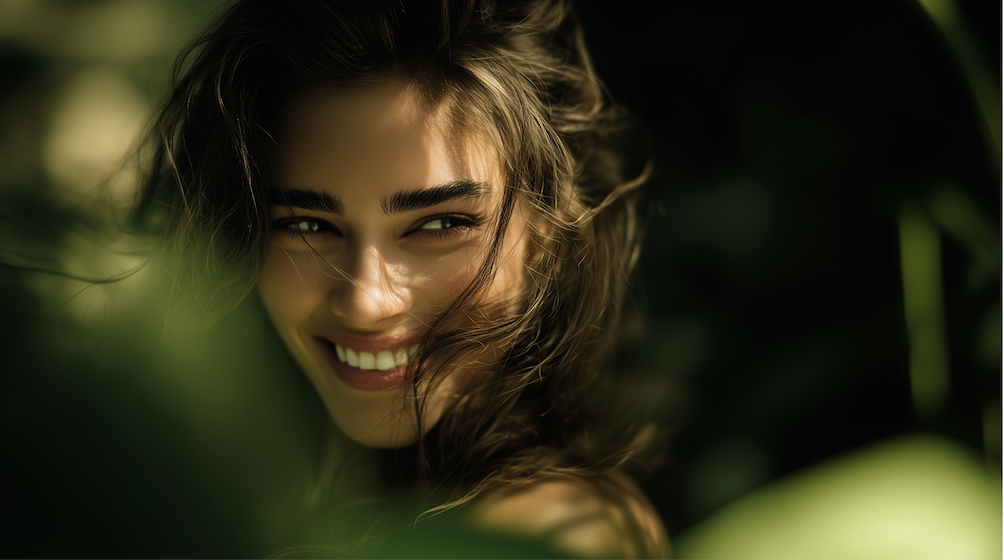
- Upload an image to use it as the first frame of your video
- Gen-4 supports Image to Video with multiple aspect ratios and will automatically adhere to the closest aspect ratio to your image, but feel free to change it
- Providing a text prompt with your image provides more control of your scene and camera
- You can find more Tips for propmpts
– Don’t forget to combine Runway workflows and models together, like Act-One to make your characters speak, you can find more tips in The Secrets of AI Video Genaration course
Open a Generative Session and make sure that Gen-4 is selected from them model dropdown
- Upload an image to use it as the first frame of your video
- Gen-4 supports Image to Video with multiple aspect ratios and will automatically adhere to the closest aspect ratio to your image, but feel free to change it
- Providing a text prompt with your image provides more control of your scene and camera
- You can find more Tips for propmpts
- Gen-4 supports Image to Video with multiple aspect ratios and will automatically adhere to the closest aspect ratio to your image, but feel free to change it